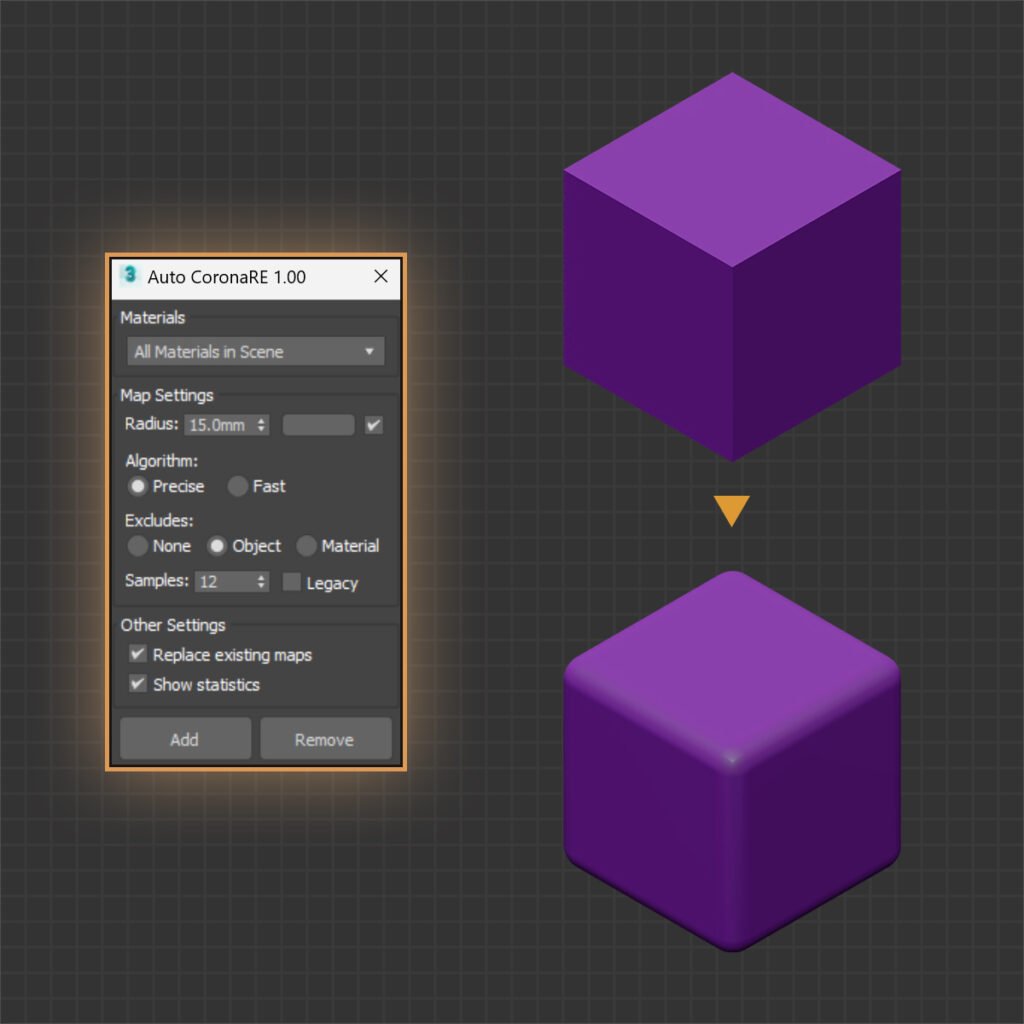
Feature demos below. Newer versions may look slightly different.

Adds CoronaAO maps to all scene materials with 1 click.

Feature demos below. Newer versions may look slightly different.
Adds CoronaAO maps to all scene materials with 1 click.
Latest version 1.02 – Updated 04/09/2024
We offer a 100% money-back guarantee if you are not satisfied with the product within 7 days of purchase, no questions asked. Policy ›
A 3ds Max script that batch adds or removes CoronaAO maps in the diffuse slot of materials. It works on all materials, materials selected in the material editor, or materials of selected objects. In interior renders, CoronaAO emphasizes shadows in corners and between objects.
Supports Corona Legacy, Corona Physical and Physical materials.
3ds Max 2018 or higher, 2022 or higher recommended. Older versions still run the script, but some options are not available. An internet connection is needed to activate a license key.
If the download is a ZIP, extract it to get the MZP or MCR installer. Drag and drop the installer into the viewport and click Install if asked, there is no need to remove previous versions. The script button is in Customize User Interface > Toolbar > D95 DESIGN.
Updates are free. Use Check for Update in the script, or download the latest version from Downloads and install it over the old one. To roll back, uninstall first, then install the older version.
Drag and drop the MZP installer into the viewport and click Uninstall. Settings can be kept or deleted. Uninstalling does not deactivate the license, so deactivate first to move to another computer.
If the uninstall fails, delete the script folder and its .mcr files in the two folders below, restart 3ds Max, then remove the toolbar buttons with right-click > Delete Button.
%LocalAppData%\Autodesk\3dsMax\20xx - 64bit\ENU\Scripts
%LocalAppData%\Autodesk\3dsMax\20xx - 64bit\ENU\usermacros