Feature demos below. Newer versions may look slightly different.

Fills holes by creating faces from closed edge loops.
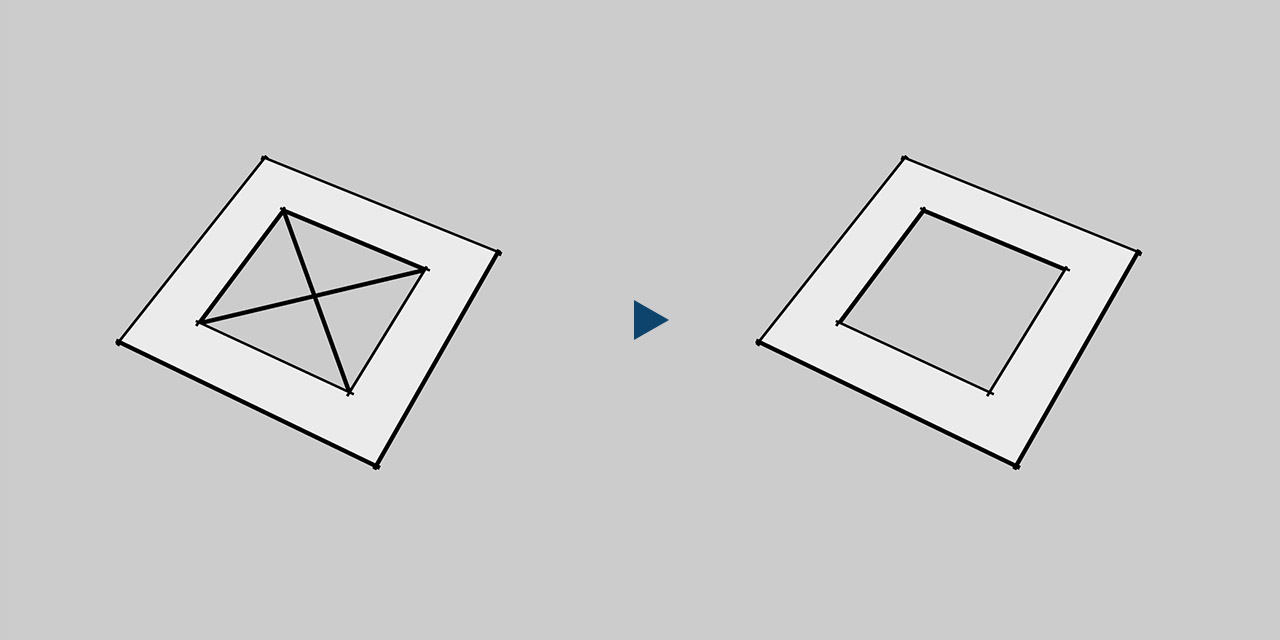
Purges stray edges not connected to any face.
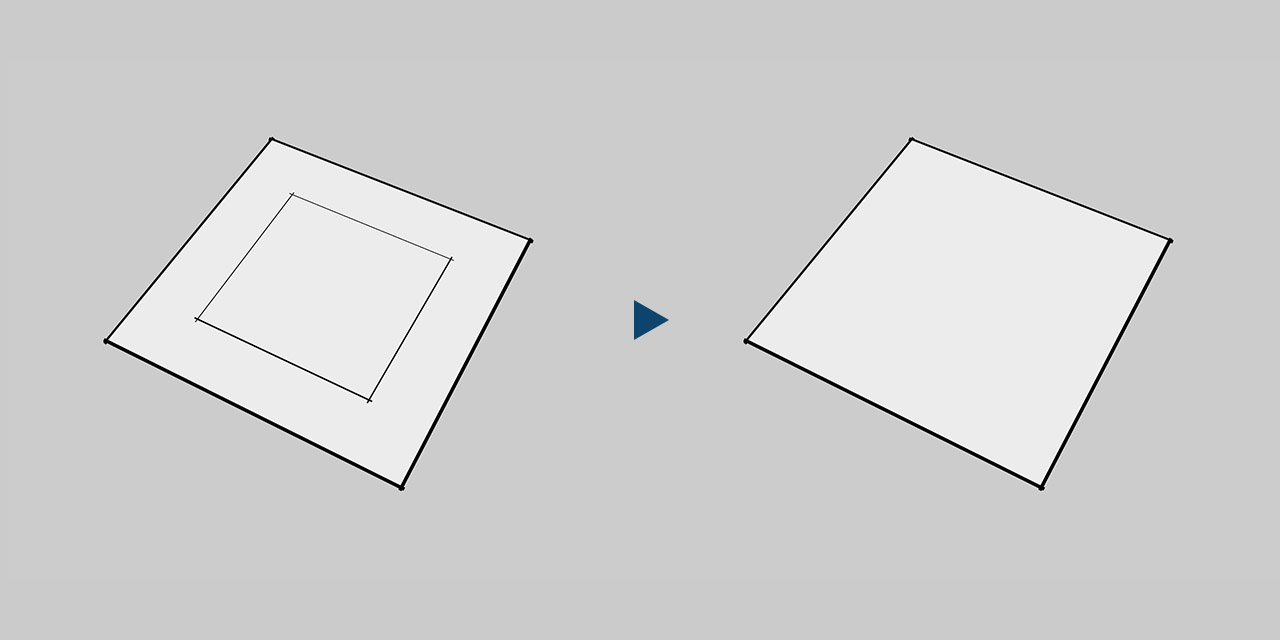
Purges edges lying between two coplanar faces.

Replaces broken edges and arcs with a single continuous one.
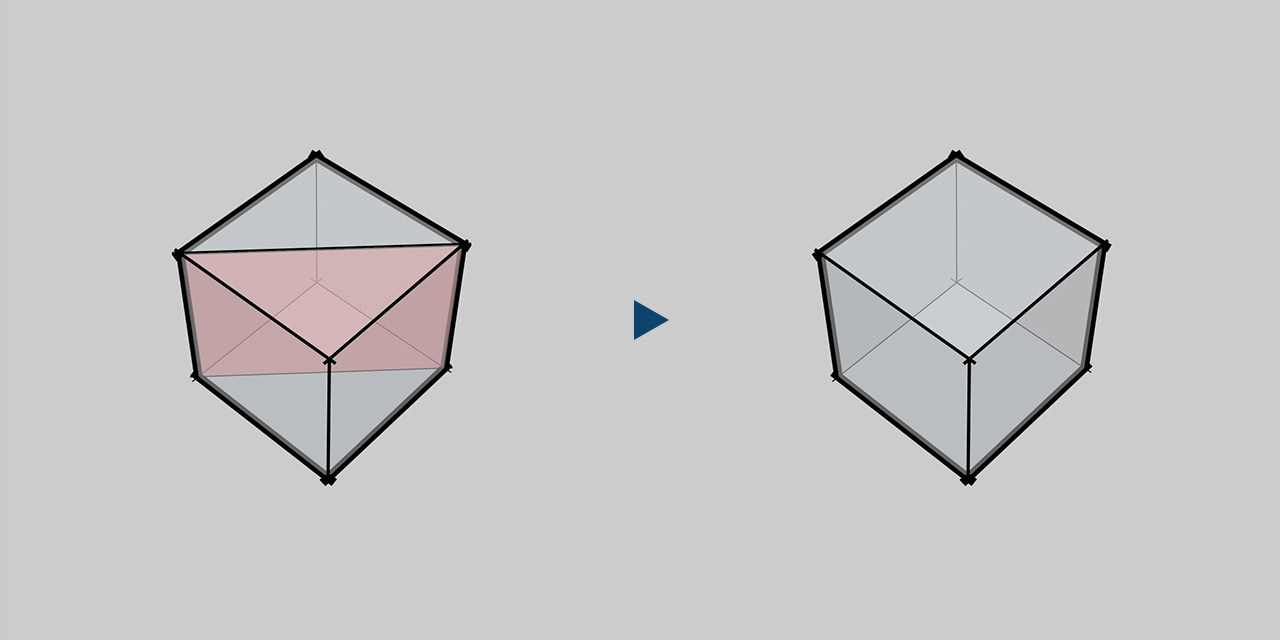
Purges inside faces whose edges all touch more than two faces.

Purges isolated faces with no edge touching another face.
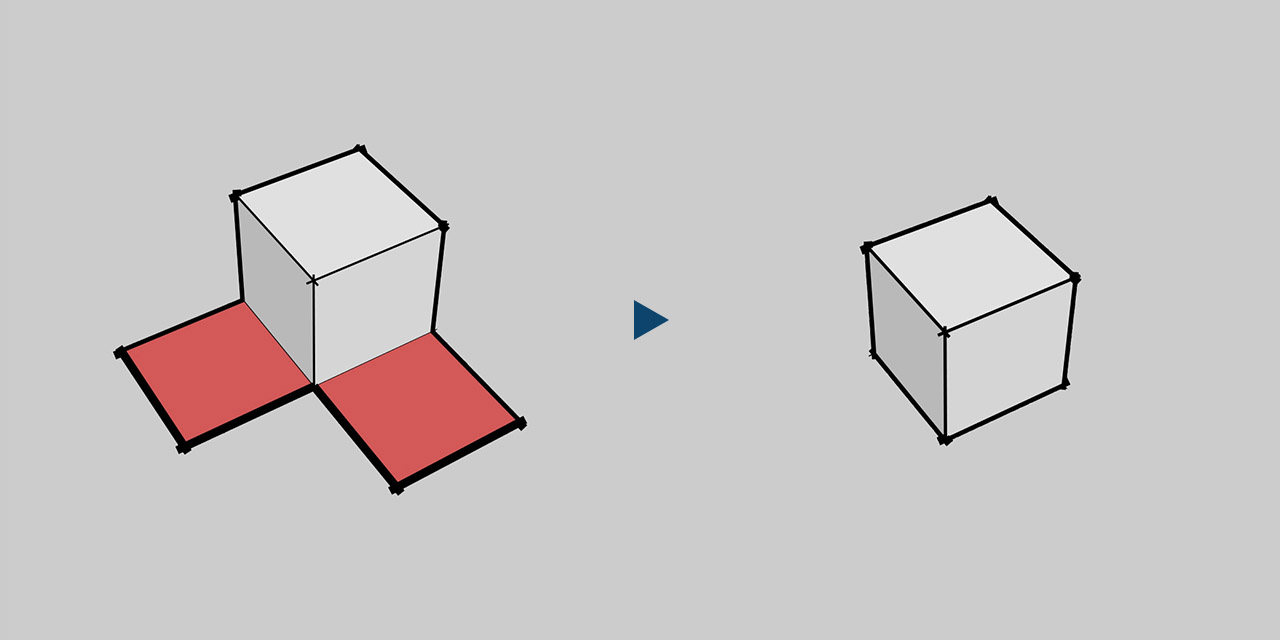
Purges loose faces with any edge not touching another face.

Purges dimensions, text and construction lines.
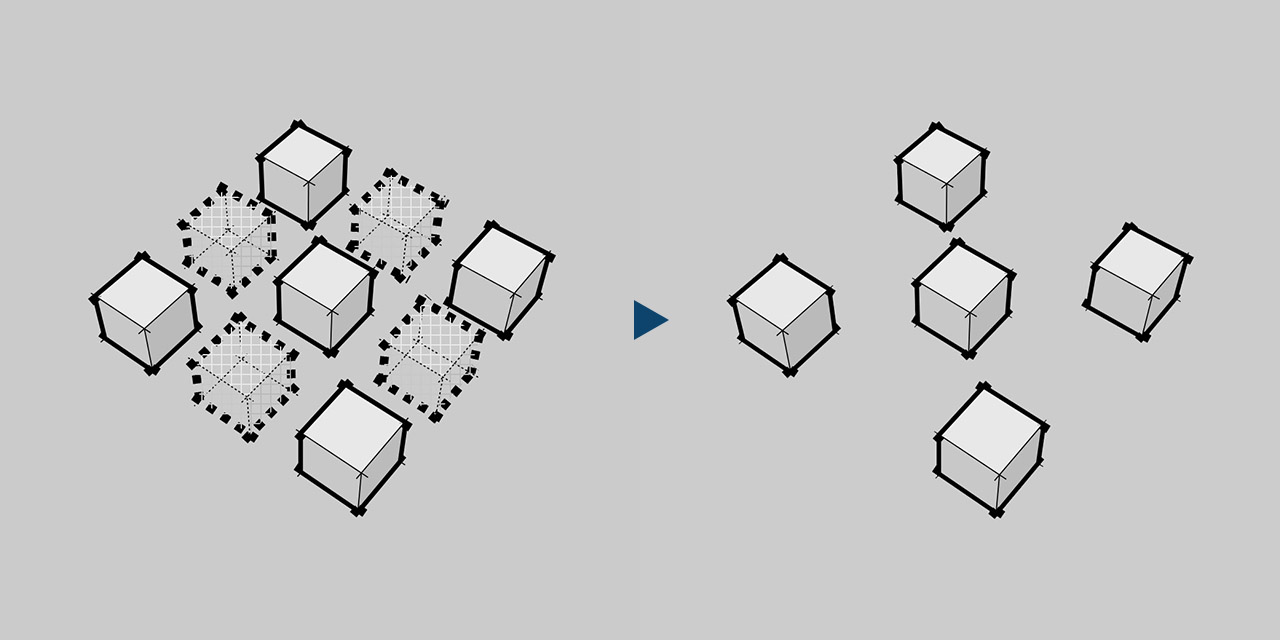
Purges hidden geometry in the model.
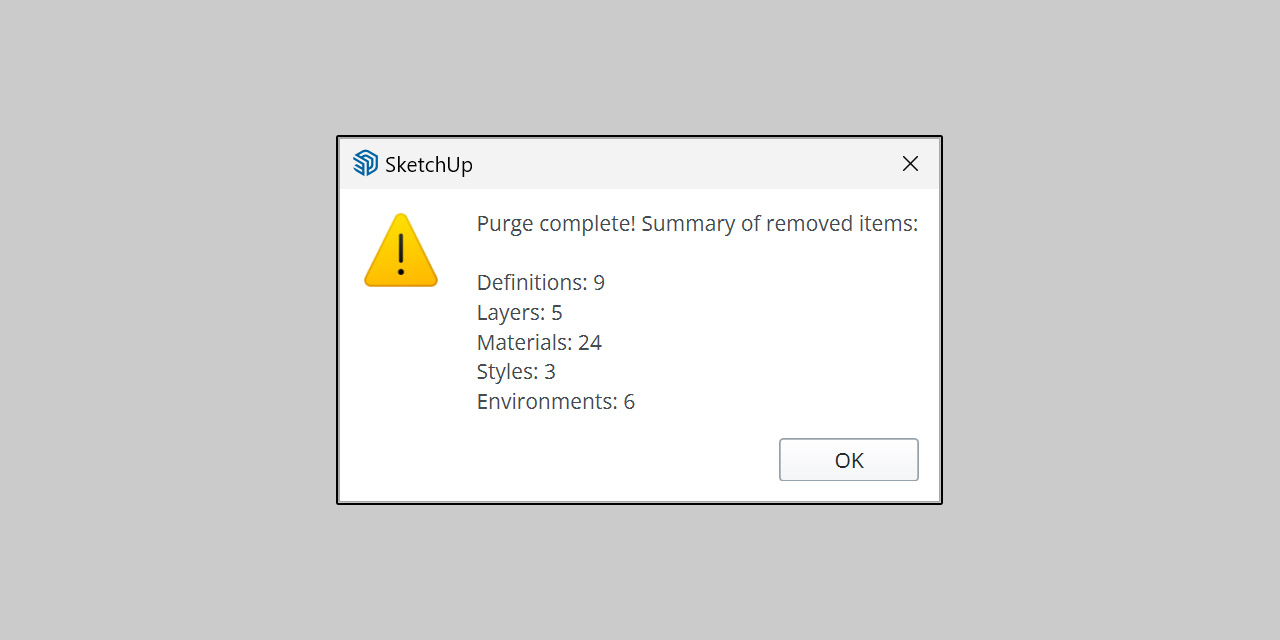
Purges unused components, materials, layers, styles and more.
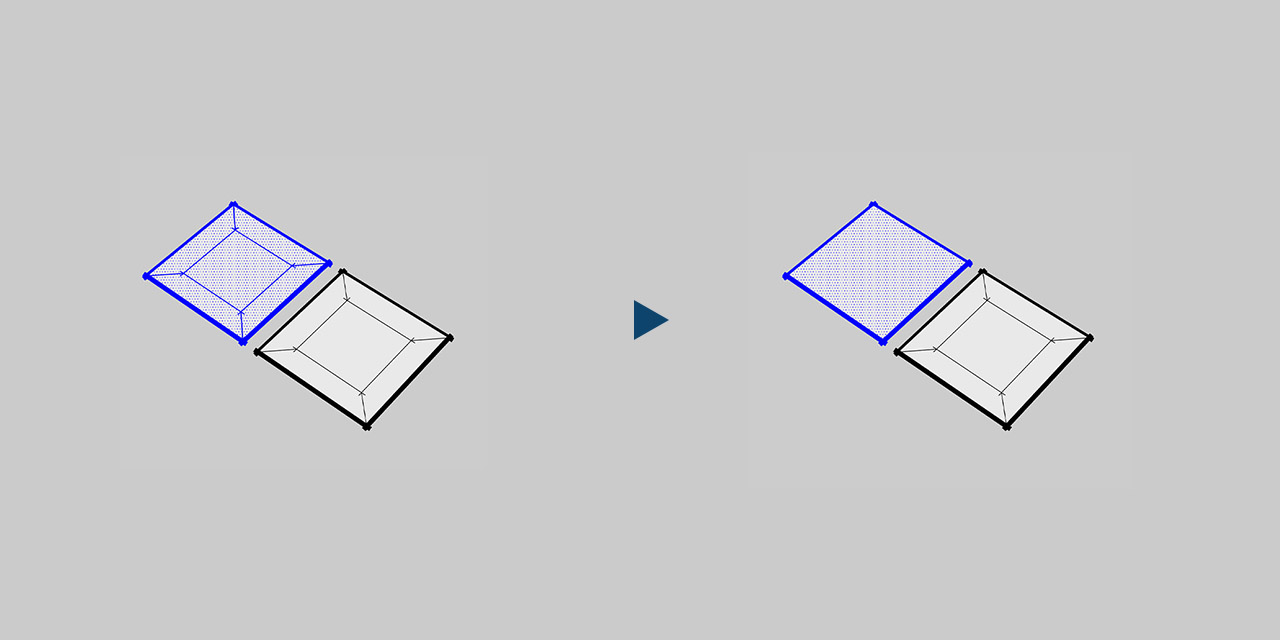
Auto chooses what to clean based on the current context.
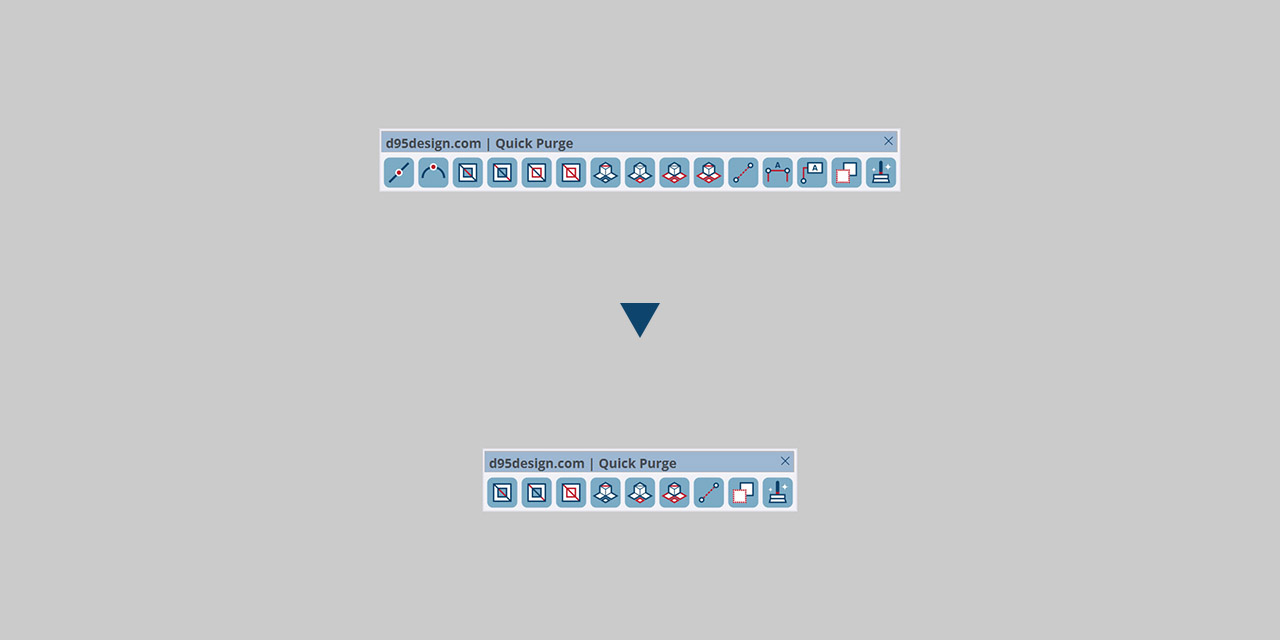
Turns off the toolbar buttons you do not need.

Quick Purge

4.00 $

Latest version 1.14 – Updated 19/09/2025

We offer a 100% money-back guarantee if you are not satisfied with the product within 7 days of purchase, no questions asked. Policy ›

Main features

  • Fills holes by creating faces from closed edge loops.
  • Purges stray edges not connected to any face.
  • Purges edges lying between two coplanar faces.
  • Replaces broken edges and arcs with a single continuous one.
  • Purges inside faces whose edges all touch more than two faces.
  • Purges isolated faces with no edge touching another face.
  • Purges loose faces with any edge not touching another face.
  • Purges dimensions, text and construction lines.
  • Purges hidden geometry in the model.
  • Purges unused components, materials, layers, styles and more.
  • Auto chooses what to clean based on the current context.
  • Turns off the toolbar buttons you do not need.

Quick Purge is a SketchUp plugin for cleaning models. It removes holes, stray edges, broken edges and arcs, inside, isolated or loose faces, and all guides, dimensions, text and hidden entities. It also purges unused components, materials, layers, styles and environments.

Requirements

SketchUp 2016 or higher, 2022 or higher recommended.

How to install

If the download is a ZIP, extract it to get the RBZ installer. Open Extensions > Extension Manager in SketchUp and install the RBZ file. Restart SketchUp if needed. The plugin is in Extensions > d95design.com.

How to uninstall

In Extension Manager, uninstall the plugin and restart SketchUp.

1.14 | 19/09/2025

FIX
  • Fix coplanar_edge? bug when running Purge Bad Faces and Purge Bad Edges.
  • Fix conflicts with some other plugins.

1.12 | 05/09/2025

FIX
  • Fix “undefined local variable or method” error when using Purge Coplanar Edge – Keep UV.

1.11 | 02/09/2025

CHANGE
  • Two new buttons, Purge Coplanar Edge – Keep UV and Purge Coplanar Edge – All, replace the old Purge Coplanar Edge button.
IMPROVE
  • Improve toolbar icons.

1.09 | 24/08/2025

NEW
  • New button Purge all faces. Edges are kept.
CHANGE
  • Change some tooltips.

1.06 | 23/08/2025

NEW
  • Buttons you do not need can be disabled in Extension > d95design.com > Quick Purge > Toolbar Setting.
  • Two new features: Purge All Edge and Purge All Face.
IMPROVE
  • Improve icon design.
FIX
  • Fix undo-related issues.

1.00 | 19/08/2025

NEW
  • Release.

Related products

Purchase

Enter your email to continue to payment. Your order details and download link will be sent to this address.

Secure payment, with instant delivery to your email after checkout.
By continuing, you agree to our terms and refund Policy ›