Main features
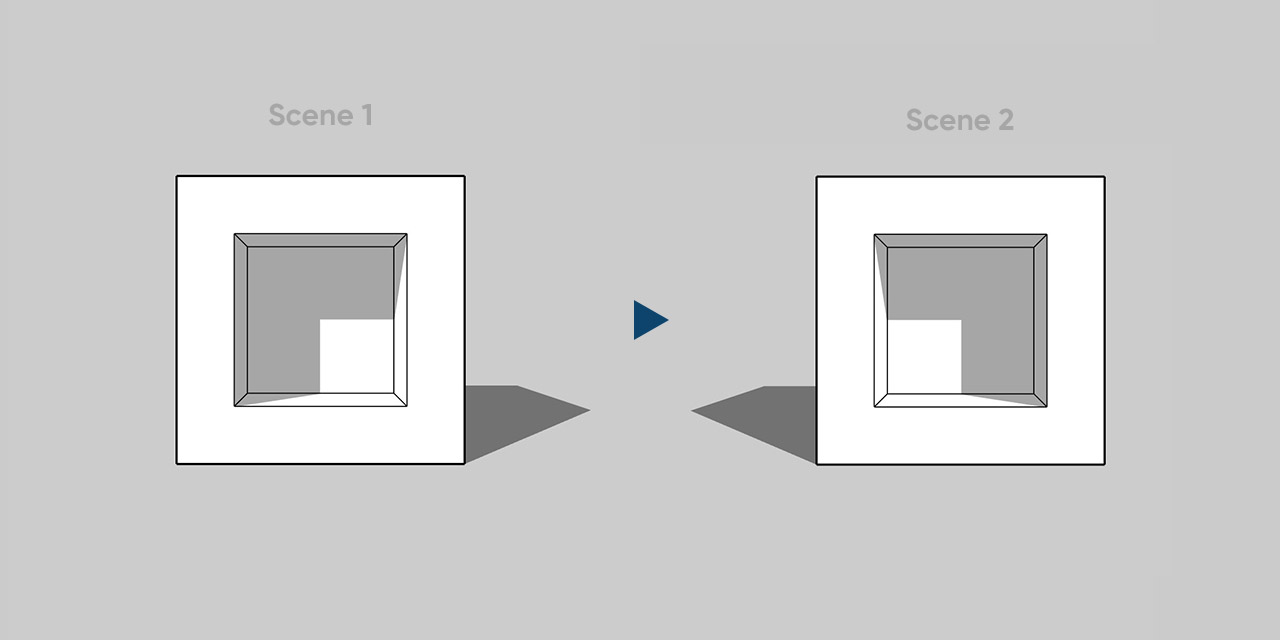
- Places the sun left, center or right based on the camera angle.
- Rotates the sun with the arrow keys or a typed North angle.
- Saves settings per scene and works with V-Ray and Enscape.
Auto Sun sets the spring equinox date in SketchUp and positions the sun for vertical or 45-degree shadows in architectural and exterior scenes. Shortcut keys rotate the shadow. Settings are saved per scene. The plugin works with V-Ray and Enscape.
Requirements
SketchUp 2016 or higher, 2022 or higher recommended.
How to install
If the download is a ZIP, extract it to get the RBZ installer. Open Extensions > Extension Manager in SketchUp and install the RBZ file. Restart SketchUp if needed. The plugin is in Extensions > d95design.com.
How to uninstall
In Extension Manager, uninstall the plugin and restart SketchUp.